
As part of our ongoing commitment to security best practices, you can now define an expiration date for all new access tokens, including Organization, Project, and Personal Access Tokens (PATs).
Why it matters
Previously, access tokens in Hive were persistent until manually revoked. While convenient, long-lived tokens increase the risk of unauthorized access if a secret is accidentally leaked or improperly stored. Automatic expiration minimizes risk by ensuring that tokens have a limited lifespan.
Getting Started
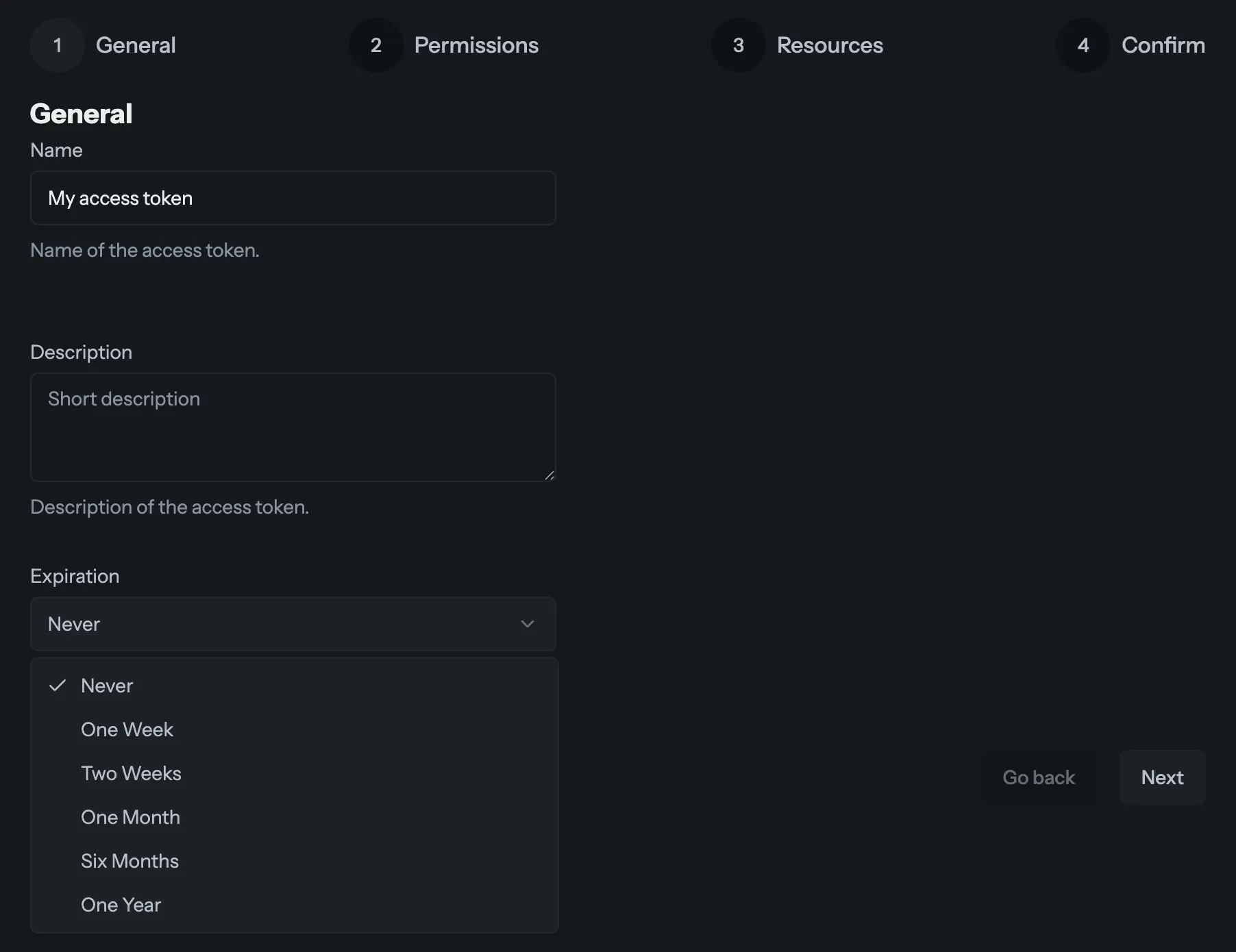
When creating a new token in your settings, you will now see an Expiration step in the wizard. Simply select your desired timeframe, and Hive will handle the rest. You may choose between 7 days, 14 days, a month, 6 months, or a year.
Existing tokens will remain active and will not expire to avoid breaking current workflows. But if you need to do a token rotation, now is the perfect time to try out our new feature!
You can learn more about access tokens through our documentation.