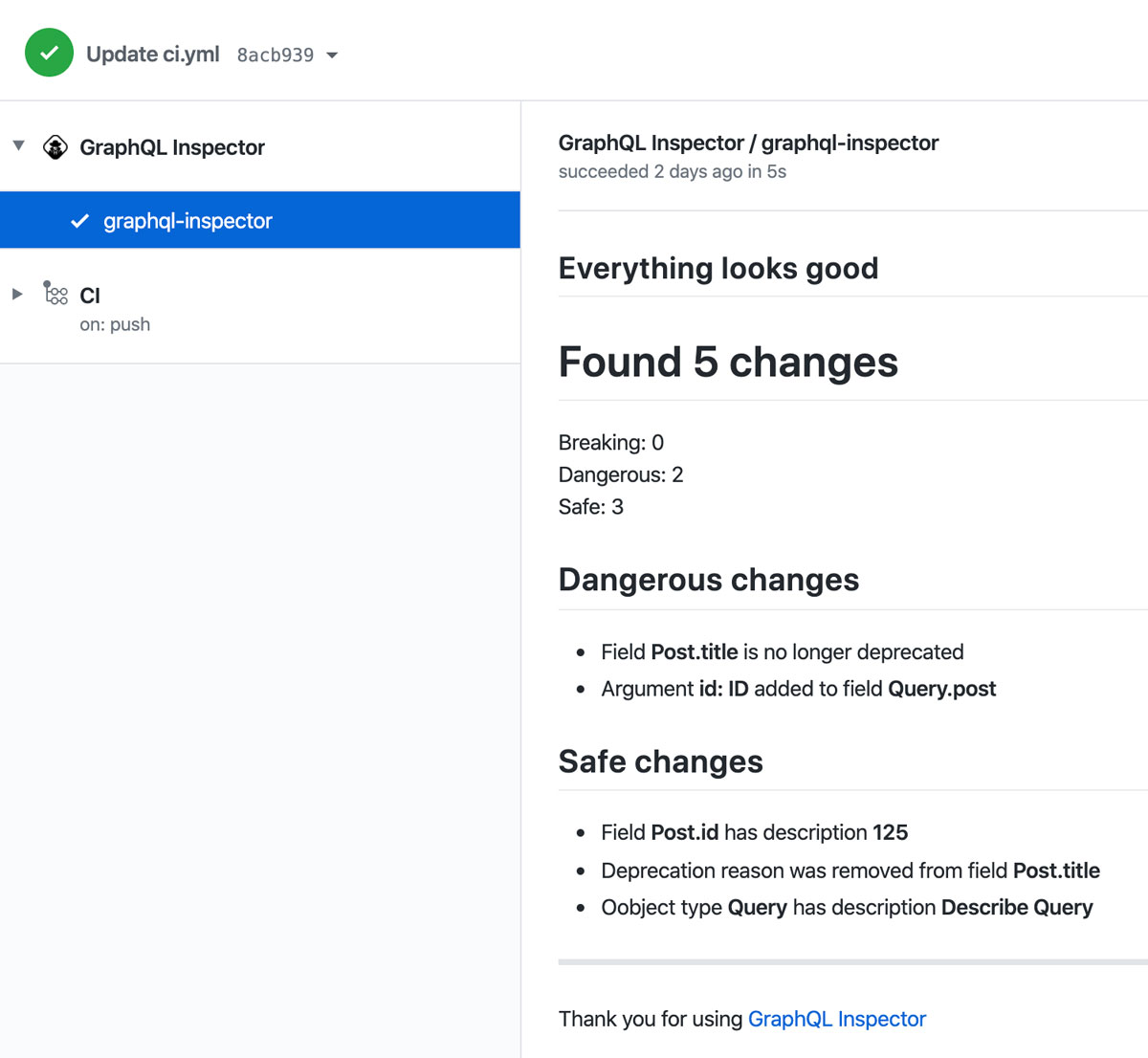
GitHub Action
GraphQL Inspector Action checks your Pull Request to find breaking changes (and others) in a GraphQL Schema, against your `master` branch.
GraphQL Inspector Action is a GitHub Action that you can install in any of your repositories.
GraphQL Inspector Action checks your Pull Request to find breaking changes (and others) in a GraphQL
Schema, against your master branch.
Usage
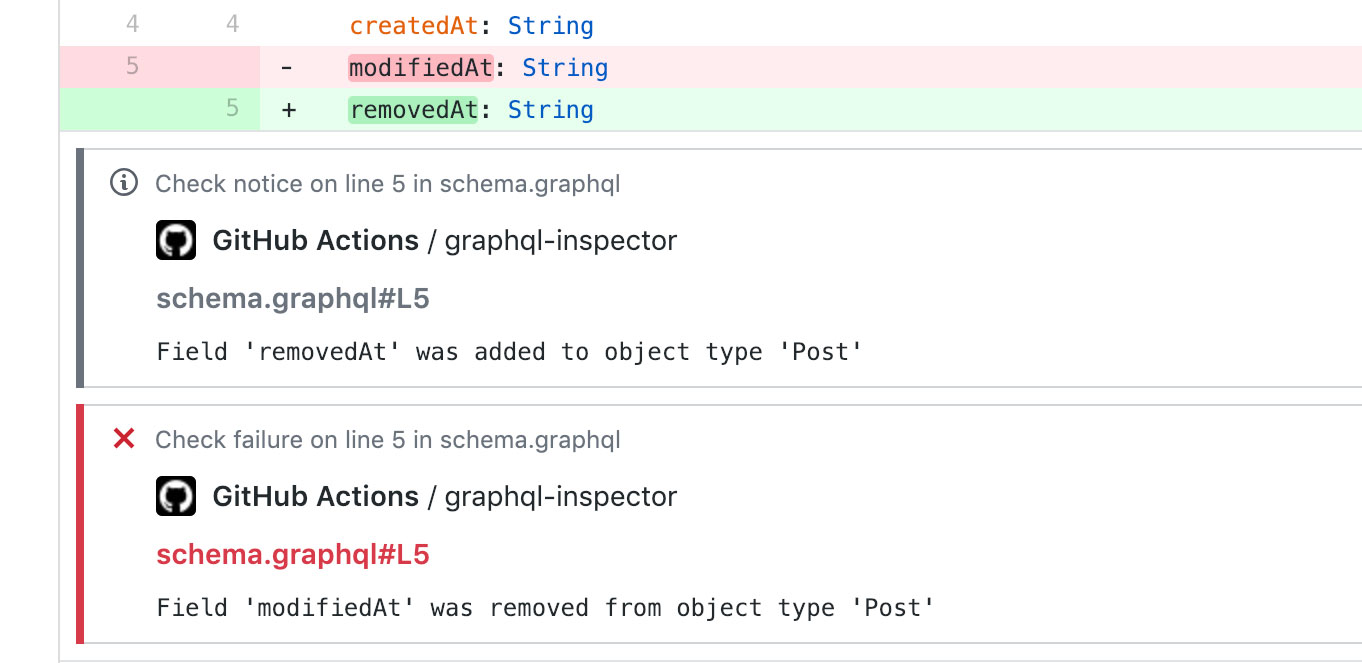
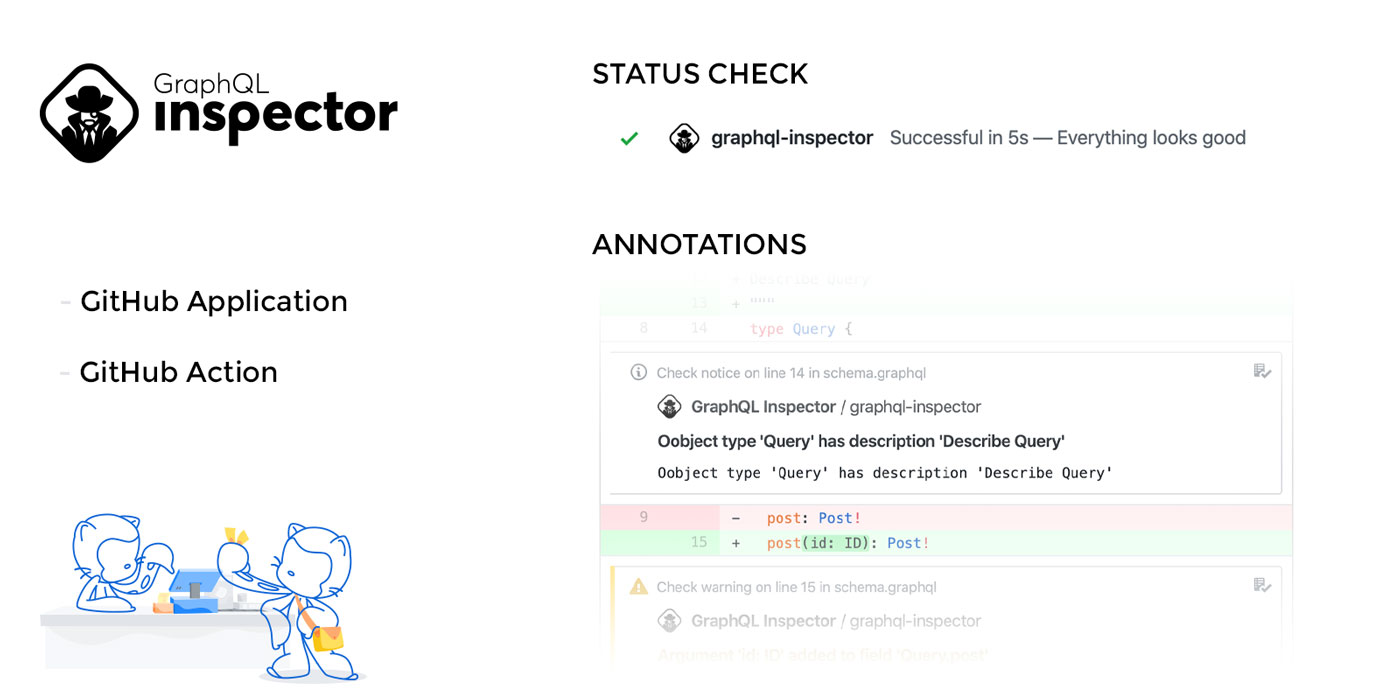
Now on every commit or every Pull Request, the GraphQL Inspector App will annotate every change, next to the line in the code where it happened.
Inputs
name
The name of the check (GraphQL Inspector by default).
In case of multiple GraphQL Inspector Actions, use name to prevent GitHub from overwriting
results. For example, “Check Public API” and “Check Internal API”.
annotations
Use annotation (true by default).
annotation-level
Minimum severity of inline annotations (all by default).
| Value | Inline annotations |
|---|---|
all | All changes (breaking, dangerous, and non-breaking) |
dangerous | Breaking and dangerous changes |
breaking | Breaking changes only |
To show only breaking changes inline:
The level applies after any configured rules. It only filters inline annotations: the check
summary and changes output still include all changes, and the check conclusion still respects
fail-on-breaking and approve-label. Setting annotations: false disables all inline annotations
regardless of the level. Invalid levels fail the action with a configuration error.
create-action-check
Create Github Action check with summary. When disabled, annotations are disabled too. (true by
default)
It can be useful to disable, when running on master branch or similar. And when subsequent step is using output and annotations nor check is required.
fail-on-breaking
Fail on breaking changes (true by default).
approve-label
Label to mark Pull Request introducing breaking changes as safe and expected By default, GraphQL
Inspector fails the Pull Request when it detects any breaking changes (approved-breaking-change by
default).
To mark the breaking change as safe, apply the approved-breaking-change label or define your own
in approve-label.
endpoint
Use GraphQL API endpoint as a source of schema. It should represent the “before” schema.
If you want to use GraphQL API endpoint as source of “after” schema:
rules
Apply rules included with the Inspector as well as your own custom rules
onUsage
Must be used with the rules input. Required to apply the custom logic for the
considerUsage rule
Outputs
Read GitHub Actions docs to see how to use outputs.
changes
Total number of changes
breaking-changes
List of breaking changes. Each item is message string.
Example: ["Type `Abc` was removed", "Field `Xyz` was removed from object type `Abc`"]
dangerous-changes
List of dangerous changes. Each item is message string, see breaking-changes for example.
safe-changes
List of safe changes. Each item is message string, see breaking-changes for example.